


Husqvarna Automower 312V Robotic Lawn Mower
1 865.76 €
1 486.95 €
20
NEW
Husqvarna Automower 312V Robotic Lawn Mower
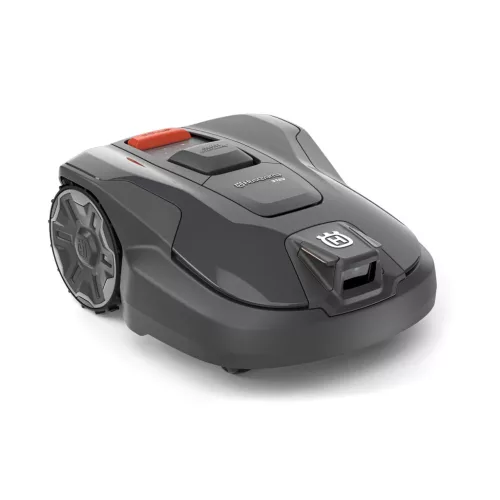




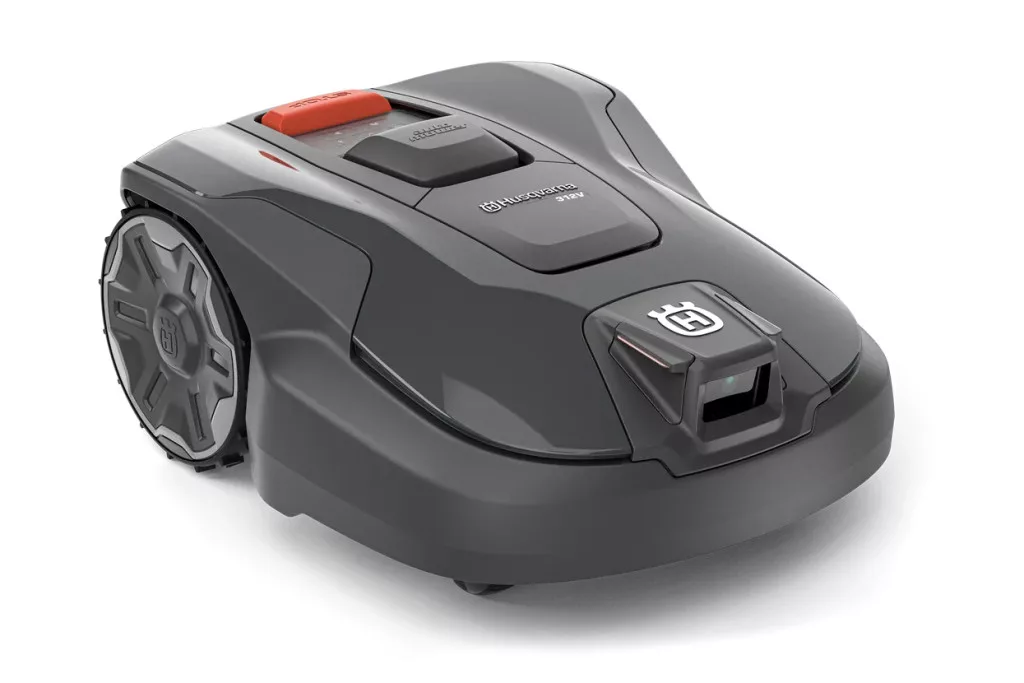
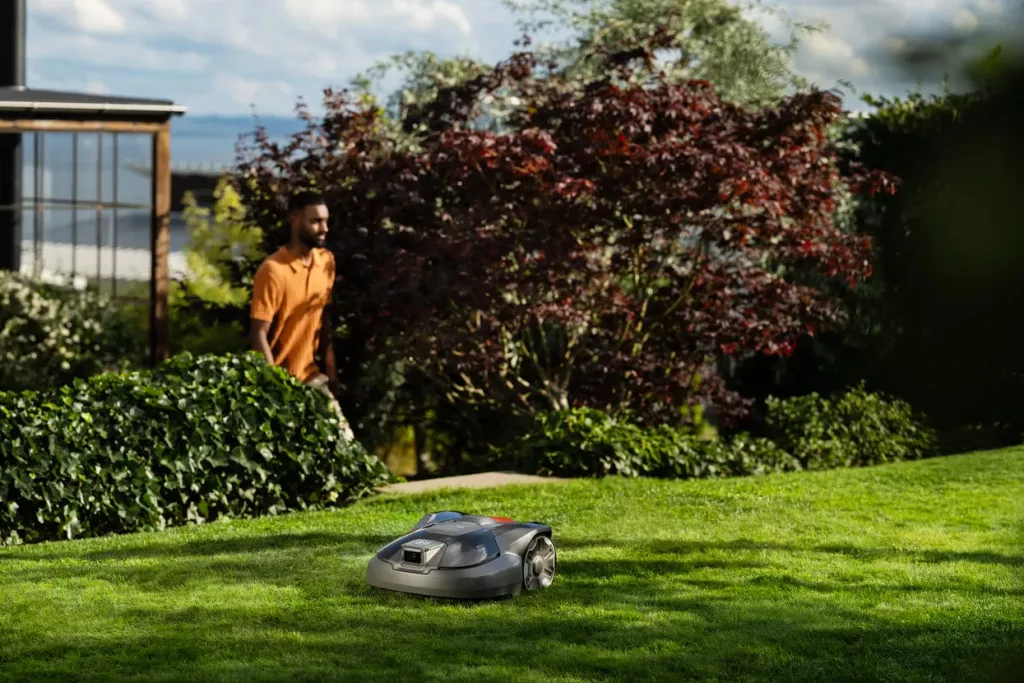
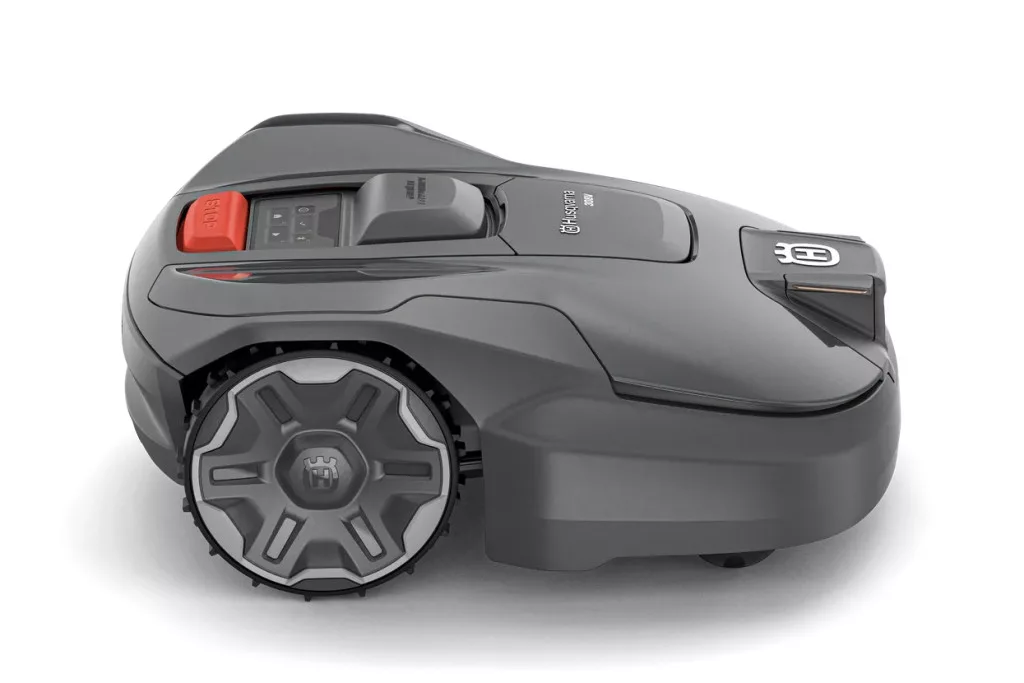
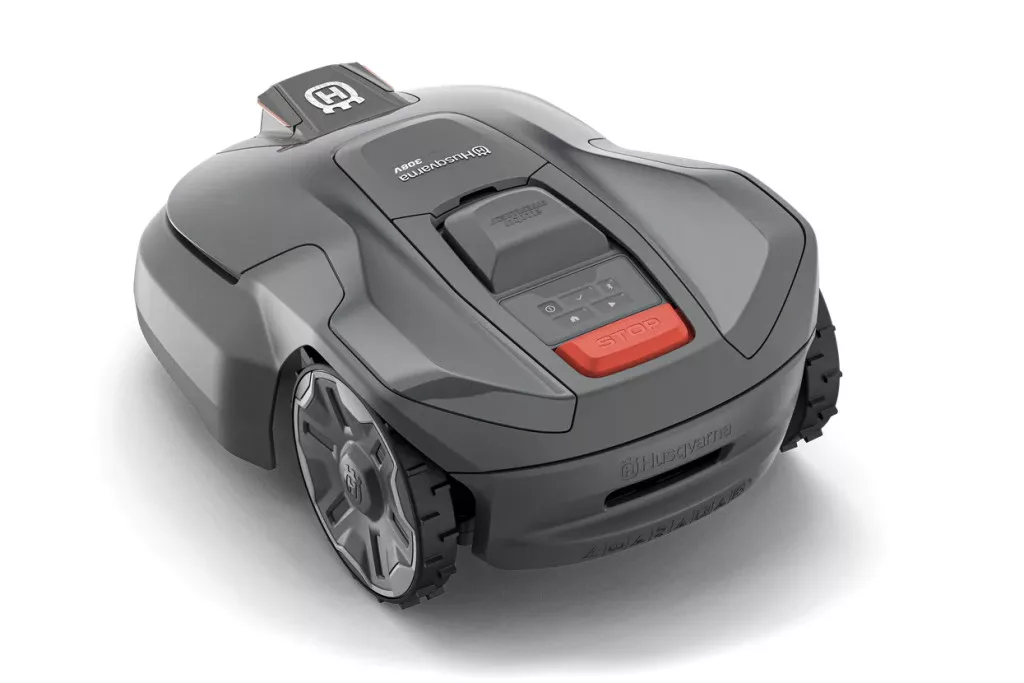
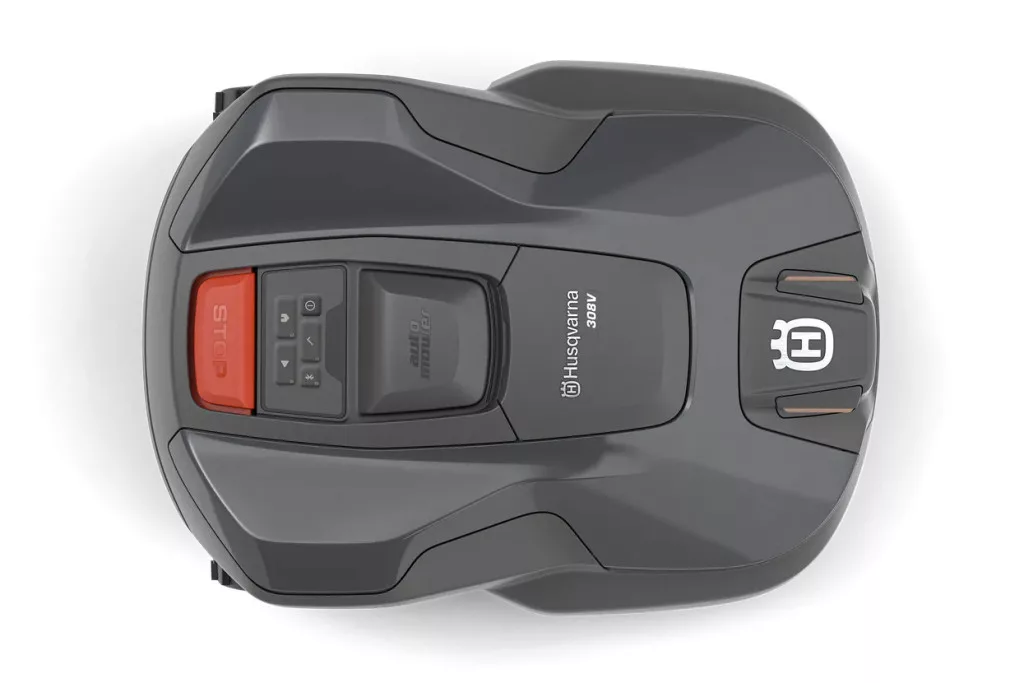
Husqvarna Automower® 312V
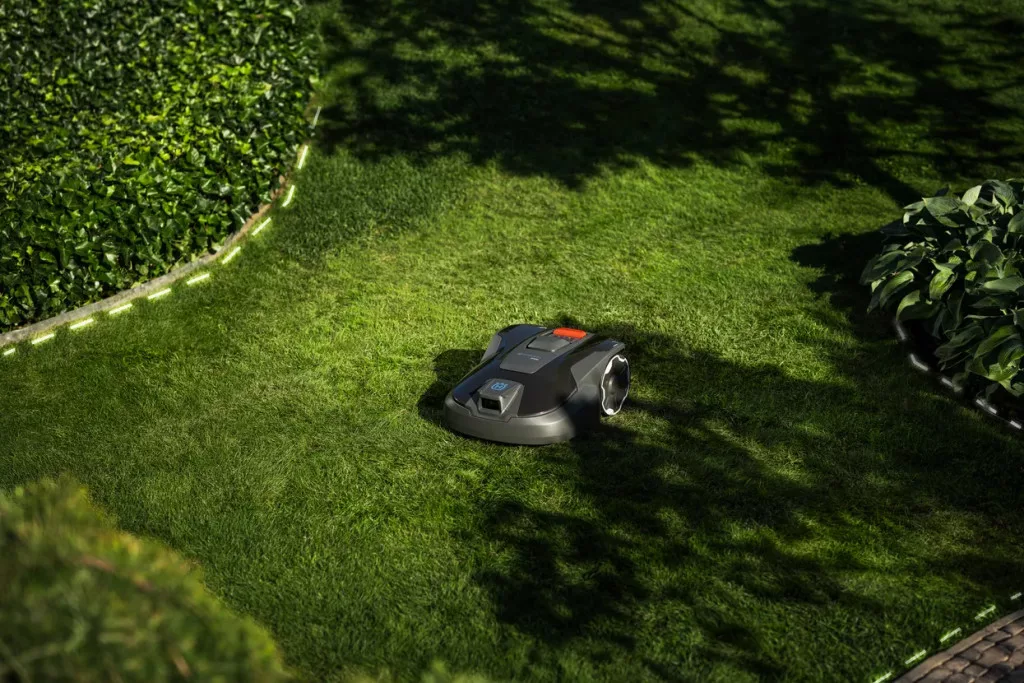
The 312V combines the built-in AI camera with the capacity for larger home work areas. Instead of a boundary wire, it works from a virtual map, and mowing zones can be organized in the app. Striped, checkerboard or triangular patterns can also shape the look of the garden. With systematic mowing, the manufacturer work area capacity is up to 1 200 m², and with irregular patterns 800 m².
1 200 m² systematic / 800 m² irregular mowing · 40 % slope in the work area · 22 cm cutting width
Equipment and installation
- Husqvarna Automower® 312V robotic lawn mower
- Built-in lithium-ion battery, 4 Ah
- Husqvarna Automower® 312V charging station
- Husqvarna Automower® 312V power supply
- Husqvarna Automower® 312V low-voltage cable, 10 m
- 6 factory Automower® spare blades
- Satellite technology for wireless EPOS installation
The wireless technology is part of the machine. Cloud-based correction requires Wi-Fi internet throughout the lawn. If coverage is insufficient, the model can be paired with an approved Husqvarna Automower® Connect kit or Husqvarna EPOS® RS1 reference station, installed by a dealer.
Key benefits of the machine
- EPOS virtual boundaries: Using satellite positioning and correction data, the work area can be defined without a physical boundary wire.
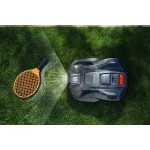
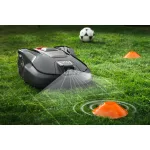
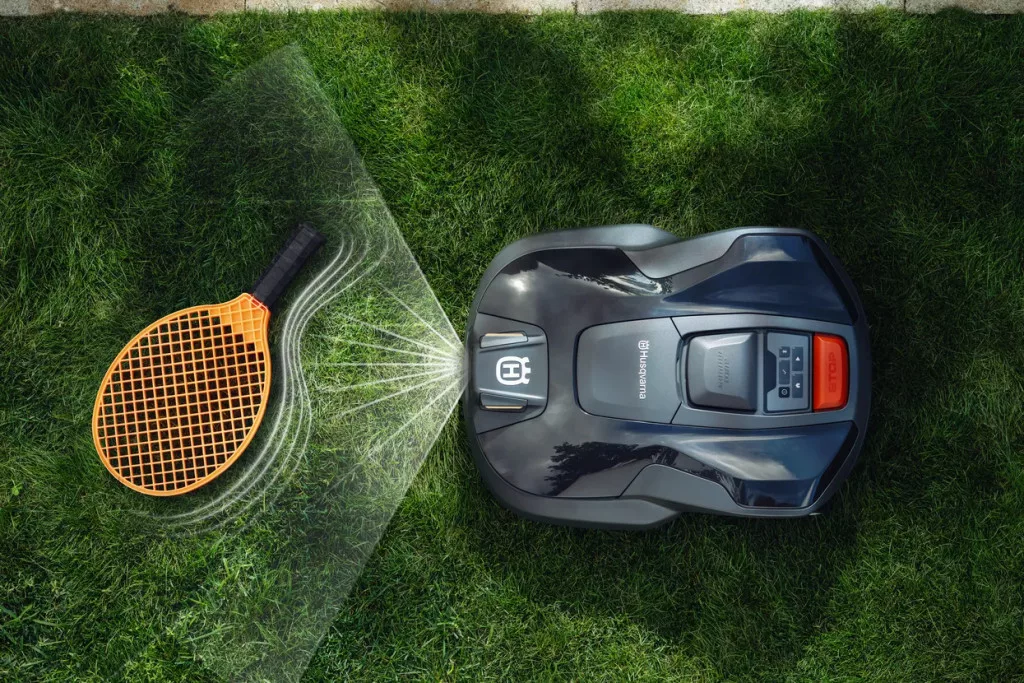
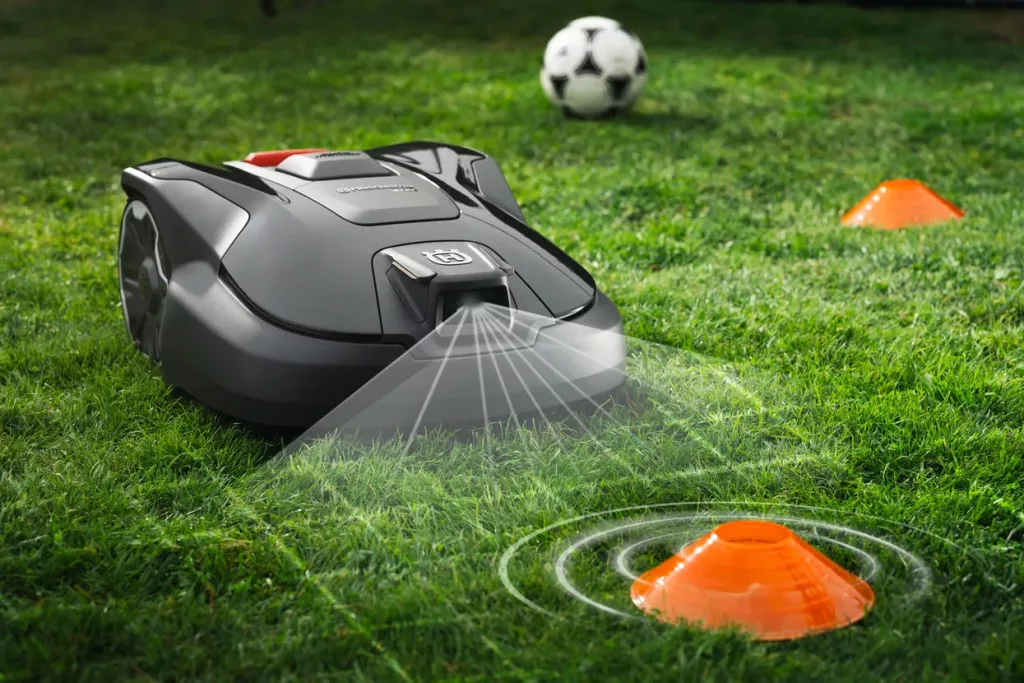
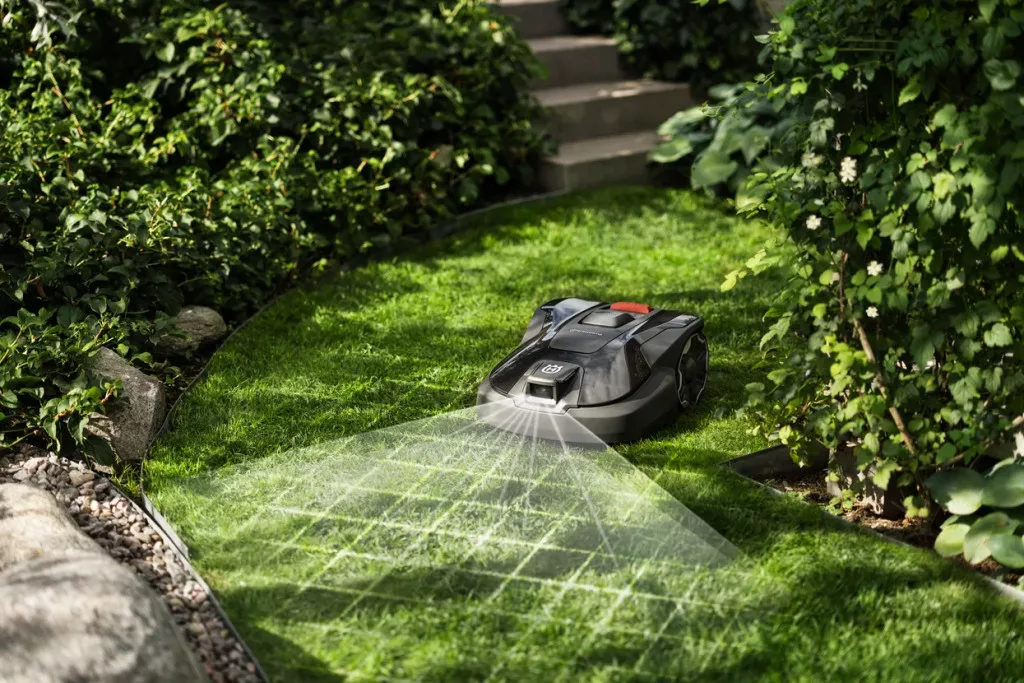
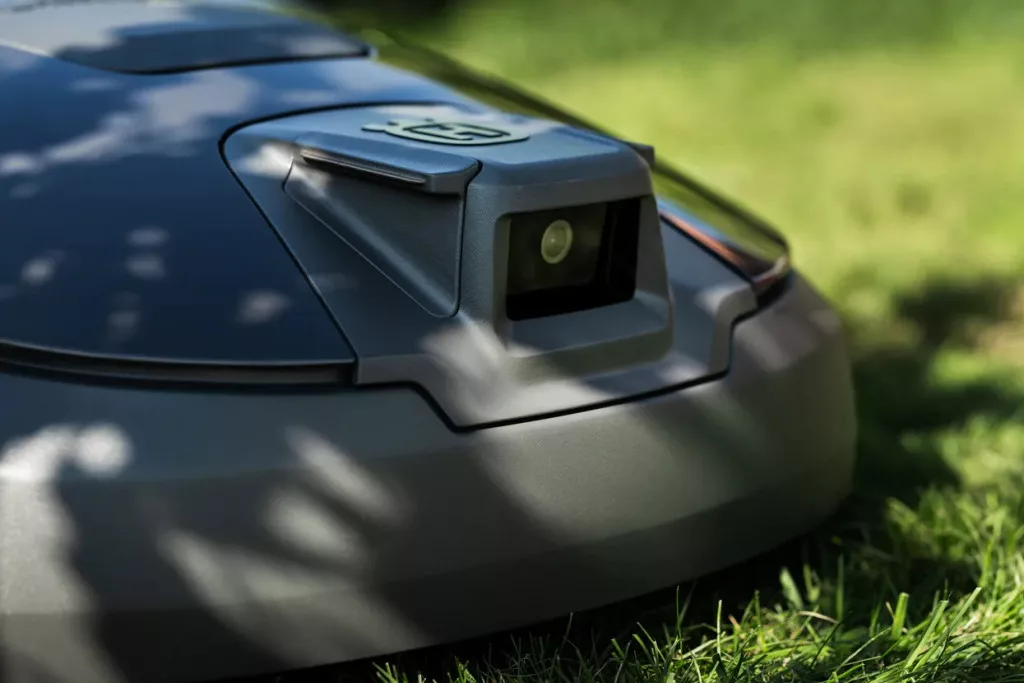
- AI-based obstacle avoidance: The built-in camera identifies lawn and obstacles, and the robot avoids the detected objects.
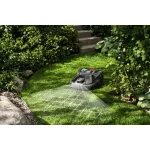
- AI image processing and satellite navigation: Camera-based lawn recognition complements satellite positioning.
KaloHáz professional support: machine selection and installation advice, service and parts. Request a personalized quote →
Item no.: 970831111. Maximum permitted slope along the boundary: 15 %.
Maximum area
1 200 m²
Area complexity
Complex
Estimated delivery time
1-3 working days
In stock
1 865.76 €
1 486.95 €
Start date: 01/09/2026
Done: 26/11/2026
Discount
20
Savings
378.81 €
Time left in the deal:
day
hours
minutes
sec
Details
wireless robotic lawn mower
Husqvarna Automower® 312V – camera mowing for larger residential lawns
The 312V combines the built-in AI camera with capacity suitable for a larger residential working area. Instead of a boundary wire, it works from a virtual map, and mowing zones can be organized in the app. Striped, checkerboard or triangular patterns can also shape the look of the garden. For systematic mowing, the manufacturer working area capacity is up to 1 200 m², and for irregular pattern mowing 800 m².
1 200 m² systematic / 800 m² irregular mowing · 40% slope in the working area · 22 cm cutting width
Item no.: 970831111
Equipment and installation
- Husqvarna Automower® 312V robotic lawn mower
- Built-in lithium-ion battery, 4 Ah
- Husqvarna Automower® 312V charging station
- Husqvarna Automower® 312V power supply
- Husqvarna Automower® 312V low-voltage cable, 10 m
- 6 pcs original Automower® spare blades
- Satellite technology for wireless EPOS installation
The wireless technology is part of the machine. Cloud-based correction requires Wi-Fi internet across the entire lawn. If coverage is insufficient, the model-approved Husqvarna Automower® Connect kit or Husqvarna EPOS® RS1 reference station can be selected, with dealer installation.
What can you expect in everyday use?
The camera’s lawn recognition also helps movement in sections with weaker satellite signal, while obstacle detection reduces the chance of getting stuck. When selecting the 312V, the permitted mowing time and the layout of the garden are just as important as the nominal area. A suitable Wi-Fi connection on the lawn is required for cloud correction.
Main advantages of the machine
- EPOS virtual boundaries: Using satellite positioning and correction data, the working area can be defined without a physical boundary wire.
- AI-based obstacle avoidance: The built-in camera identifies lawn and obstacles, and the robot avoids detected objects.
- AI image processing and satellite navigation: Camera-based lawn recognition complements satellite positioning.
What type of garden and task is it suited for?
- For systematic mowing, the manufacturer working area capacity is up to 1 200 m², and for irregular pattern mowing 800 m². The larger value applies to the proper wireless installation and operating mode.
- For regularly maintained residential lawns where automated mowing can be adapted to garden use.
- According to the manufacturer’s installation conditions, up to 40% slope is allowed in the working area and 15% along the boundary. Percent slope is not the same as an angle given in degrees.
Image guide – machine features
Click the image cards to open the detailed explanations.
 EPOS virtual boundariesOpen / close details
Using satellite positioning and correction data, the working area can be defined without a physical boundary wire. Zones are easier to modify, and ground work does not endanger an in-ground boundary cable.
 AI-based obstacle avoidanceOpen / close details
The built-in camera identifies lawn and obstacles, and the robot avoids detected objects. Operation also depends on visibility and terrain conditions, so toys and other loose items should be put away.
 AI image processing and satellite navigationOpen / close details
Camera-based lawn recognition complements satellite positioning. As long as the system recognizes grass, it helps keep mowing going even in areas with weaker satellite signal.
 Selectable mowing patternsOpen / close details
With a proper EPOS installation, the robot can work in parallel rows, creating a striped, checkerboard or triangular pattern. The irregular mode can be selected for a more even, carpet-like look on supported models.
 Automower® Zone ControlOpen / close details
The app allows working areas with different settings and temporary no-go zones to be created. How zone management works depends on the installation method and the machine’s supported functions.
 Automower® Connect appOpen / close details
Settings, scheduling and machine status are also available on your phone. Usable range depends on the machine’s connection: Bluetooth allows nearby access, while Wi-Fi or mobile connection enables remote access too. For this model: Bluetooth®, Wi-Fi.
 Weather timerOpen / close details
Adjusts mowing time to grass growth. It works more when growth is stronger and reduces unnecessary mowing when growth is slower.
 Automatic handling of passagesOpen / close details
The robot also travels through properly designed narrow passages and changes its route to reduce wheel tracks. The required passage dimensions must be ensured according to the installation guide.
 Emission-free operationOpen / close details
The robot operates on battery power, so no local exhaust gases are produced during mowing. The environmental impact of charging and manufacturing must be considered separately.
 GeoFence with Wi-Fi notificationOpen / close details
If the machine is taken outside the preselected area, it will sound an alarm. If Wi-Fi is also available, a notification can be sent to the owner through the app.
 Saved setting profilesOpen / close details
Separate settings can be stored for multiple installations or usage situations. Choosing a profile simplifies switching, but each site still requires proper installation.
 Smart home connectionOpen / close details
With a suitable Wi-Fi or mobile connection, Automower® control can also be linked to supported smart home services. Available commands and integrations vary by service.
 Separated secondary working areaOpen / close details
A lawn section can also be defined that the robot cannot reach via a drivable connecting path. In this case, moving the robot between the two areas is the operator’s responsibility.
 Wireless software update – FOTAOpen / close details
Using the supported app, the machine’s software can be updated remotely. The update may include improvements and new functions; install it according to the app’s instructions.
 Automower® smart routinesOpen / close details
With supported app routines, operation can also be adapted to the weather forecast or time of day. For example, planned mowing can be scheduled for daytime.
 Easy-to-clean designOpen / close details
For this model, the manufacturer allows the machine’s exterior and underside to be cleaned with a garden hose. Do not use a pressure washer; separate instructions apply to the power supply and charging station.
Additional operation and convenience features
- Spiral cut and local mowing: Spiral movement helps targeted cutting in denser patches. Local mowing can, for example, also handle the area left under temporarily moved garden furniture.
Technical data
| Working capacity | |
|---|---|
| Working area capacity | 1 200 m² |
| Working area capacity – irregular | 800 m² |
| Working area capacity – systematic | 1 200 m² |
| Type of boundary | Virtual wire |
| Maximum slope at the boundary wire | 15 % |
| Maximum slope of working area | 40 % |
| Maximum active time per day | 15 h |
| Number of guide wires / virtual transport | Virtual transport route |
| Charging system | Automatic |
| Dimensions | |
| Weight | 9,9 kg |
| Product size, length | 59 cm |
| Product size, width | 45 cm |
| Product size, height | 25 cm |
| Product data | |
| Color | Grey |
| Perceived noise level | 63 dB(A) |
| IP rating | IPX6 |
| Battery type | Lithium-ion |
| Battery capacity | 4 Ah |
| Charging current | 2,2 A |
| Average mowing time on one charge | 100 p |
| Average charging time | 100 p |
| Average monthly energy consumption at maximum use | 7 kWh |
| Working area capacity per hour without charging | 189 m² |
| Cutting system | |
| Cutting system | 3 pivoting blade |
| Cutting height, max. | 50 mm |
| Cutting height, min. | 20 mm |
| Cutting width | 22 cm |
| Cutting height adjustment | Individual |
| Sliding plate | Yes |
| Bi-directional cutting | Yes |
| Control | |
| Keypad | Keypad / app |
| Information panel | None |
| Connectivity options | Bluetooth®, Wi-Fi |
| App control | Automower® Connect |
| Smart home integration | Yes |
| Software update method | FOTA |
| Safety | |
| GPS theft protection | No |
| Geofence | Yes |
| PIN code | Yes |
| Alarm | Yes |
| Lift sensor | Yes |
| Tilt sensor | Yes |
| Object detection | Camera |
For systematic mowing, the manufacturer working area capacity is up to 1 200 m², and for irregular pattern mowing 800 m². The larger value applies to the proper wireless installation and operating mode.
The daily active time is the operating window available for mowing and the required charging cycles; it is not the runtime of a single battery charge. Average mowing and charging times vary depending on the lawn, settings and battery condition.
Installation, boundary and connection
- Cloud-based correction requires Wi-Fi internet across the entire lawn. If coverage is insufficient, the model-approved Husqvarna Automower® Connect kit or Husqvarna EPOS® RS1 reference station can be selected, with dealer installation.
- Virtual boundaries, working areas and no-go zones must be created in the Automower® Connect app. Satellite reception and the robot’s safe movement across the entire garden must be checked.
- The local reference station is an optional accessory. Cloud correction and a local station are different installation solutions; the appropriate one should be selected based on the site survey.
Safe power supply for the charging station and suitable access for the robot must be ensured in every installation mode. A garden survey helps determine the required materials and accessories.
Settings and usage tips
- Before first use, prepare the lawn: cut down grass that is too long to a range suitable for the machine, and remove stones, branches, toys and garden hoses.
- Adjust the mowing period to the use of the garden or facility. The robot is designed for regular, light trimming; capacity should be planned together with the available time.
- Reduce the cutting height gradually. The fine clippings remain on the lawn; there is no grass collector bag and no regular bag emptying.
- In the first few days, monitor narrow sections, returning to the charger and lawn evenness. If necessary, adjust the installation settings to actual operation.
- Even with camera-based obstacle detection, keep the lawn tidy. Keep the lens clean, and whenever possible schedule mowing so that children and pets are not in the working area.
Maintenance, blade replacement and winter storage
- Before cleaning or blade replacement, stop and switch off the robot according to the operating manual. Work only after the blade has completely stopped, wearing suitable protective gloves.
- Regularly remove accumulated grass from the cutting disc and wheels. Check that the blades rotate freely and that no fastening is damaged or missing.
- Replace the rotating robot blades when worn or damaged, together with the correct screws, as specified by the manufacturer. The disc must remain balanced.
- Keep the charging contacts clean, and check the cables, charging station and housing condition. If there is abnormal noise, shorter operating time or a recurring fault, request service inspection.
- The machine housing and underside may be cleaned with a garden hose according to the manufacturer’s instructions, but not with a pressure washer. Do not wash the power supply and charging station this way.
- Before winter storage, charge the battery according to the instructions, clean the machine, and store it in a dry, frost-free place. Winterize the charging station and installation connections as well.
- At the start of the season, check the virtual map and working area settings, especially if the garden has been rearranged or new obstacles have been added.
Precisely named optional accessories
The following are separately selectable installation, protection or maintenance products. These are additional items compared with the accessories listed in the package.
- Husqvarna EPOS® RS1 reference station – item no.: 970759801.
Local correction solution for the appropriate compatible EPOS installation. Its placement must be planned according to site reception conditions. - Husqvarna Automower® Endurance blades – item no.: 595084401.
Original replacement blades for the machine listed by the manufacturer as compatible. Replace the blade and screw according to the instructions. - Husqvarna Automower® charging station shelter, L – item no.: 587236101.
Protective shelter for the charging station, listed by the manufacturer for the model. - Husqvarna Automower® cleaning and maintenance kit – item no.: 547784901.
For regular exterior cleaning and care.
The amount of installation material depends on the actual wire length, islands and passages. When ordering accessories, also provide the machine’s exact item number.
Frequently asked questions
Is a boundary wire or separate EPOS accessory required?
The wireless technology is part of the machine. Cloud-based correction requires Wi-Fi internet across the entire lawn. If coverage is insufficient, the model-approved Husqvarna Automower® Connect kit or Husqvarna EPOS® RS1 reference station can be selected, with dealer installation.
What does the stated area capacity mean?
For systematic mowing, the manufacturer working area capacity is up to 1 200 m², and for irregular pattern mowing 800 m². The larger value applies to the proper wireless installation and operating mode. Planning must also take the mowing time limit and the garden’s layout into account.
What connection can be used for control?
The model’s manufacturer connection options: Bluetooth®, Wi-Fi. Bluetooth provides nearby access; remote internet functions require the proper network connection and app.
KaloHáz – specialist shop and service support in one place
When selecting the Husqvarna Automower® 312V, it is worth reviewing the task, the machine’s equipment and the need for later accessories together. KaloHáz provides professional advice, service and spare parts for use. Visit us in person in Mezőkövesd, Szomolyai út 92.
Request professional help →Data
Brand
Husqvarna
Maximum slope at the boundary wire
15 %
Maximum slope within the working area
40 %
Charging system
Automatic
Wire type
Virtual wire
Item number
970831111
Weight
9.9 kg/db
Bundle offers
Reviews
Be the first to write a review!
Similar products